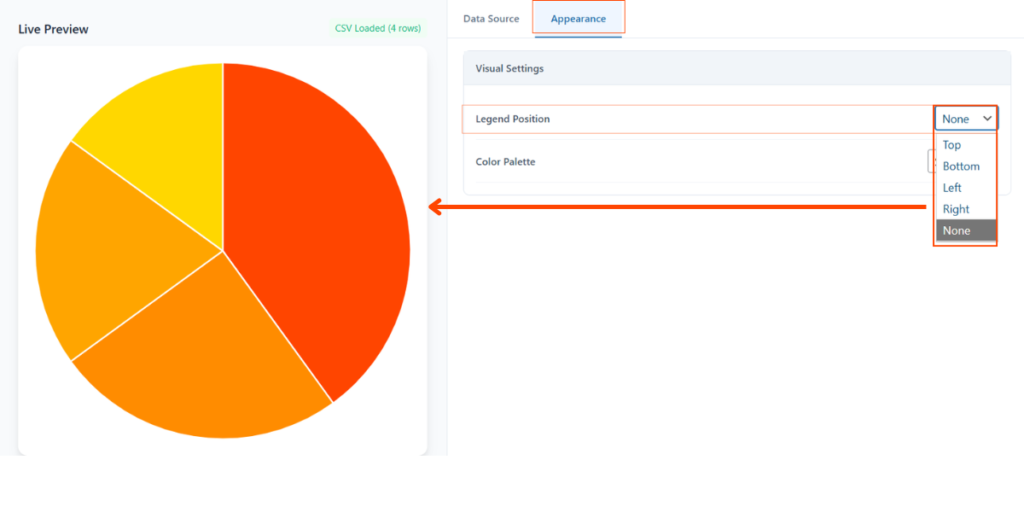
Yes. If your chart has many data points, the legend might take up too much space. You can manage this in the Appearance tab:
- To Remove: Set the Legend Position to “None” from the dropdown menu. This will hide the labels and give more space to the chart itself.
- To Re-position: If you want to keep the legend but save horizontal space, change the position to “Bottom”. This is ideal for mobile responsiveness.
- Live Preview: You can instantly see how the chart looks without the legend in the Live Preview window before clicking Save Chart.